NJ Innovation Authority
About
Helping public servants write clearer, more complete prompts with an educational interface for the the NJ AI Assistant.
Duration
January through March, 2026
Role
Product, UX
Market
Internal, Government
Context
The AI tool built for government, by government.
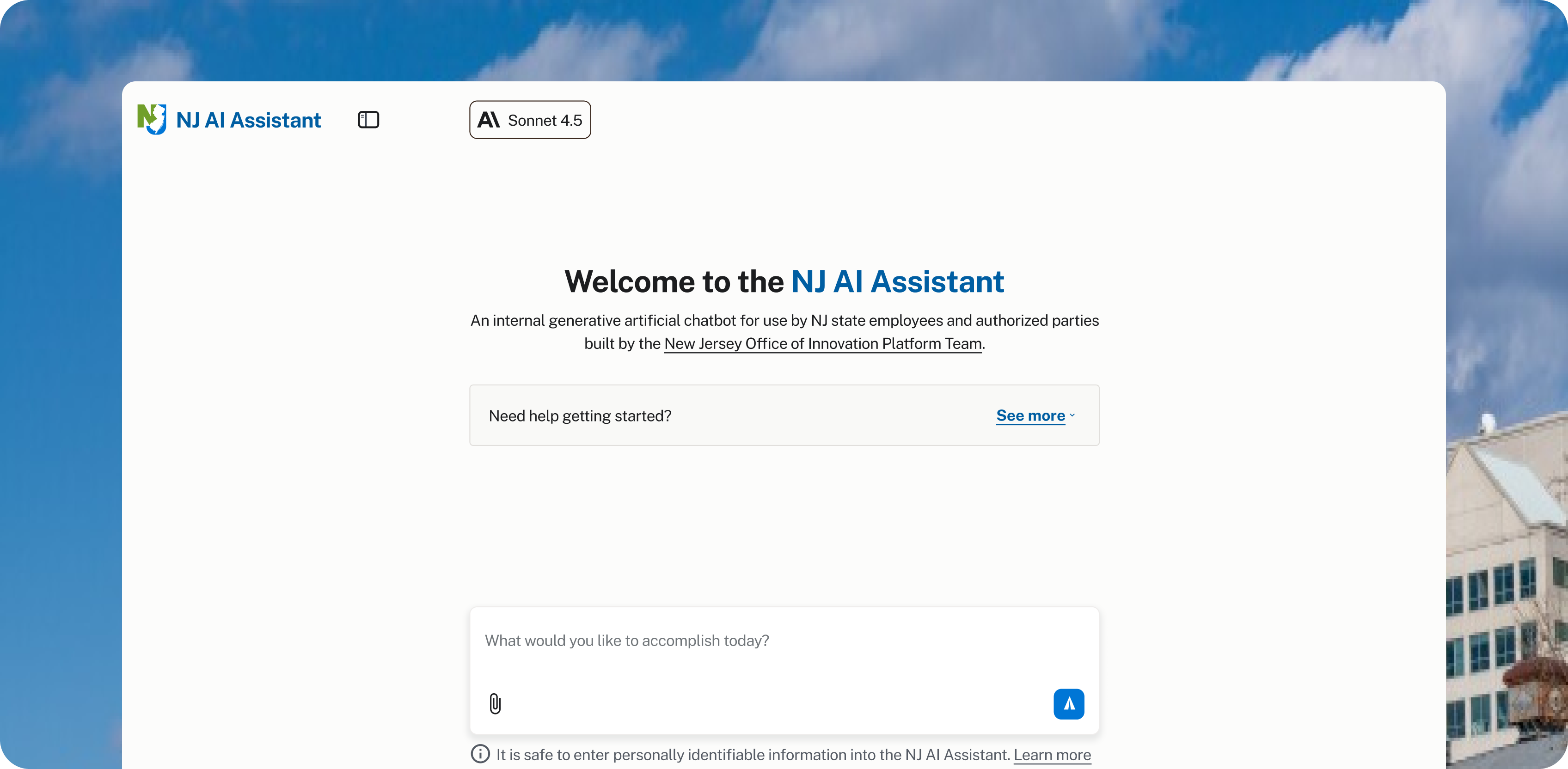
The NJ AI Assistant re-launched in early March 2026, providing state employees with an updated model and extended policy-compliant features to use safely across their government work.
However, many users of the state-provided tool still feel underwhelmed by its capabilities and lack the skills to communicate with the Assistant efficiently.
Filling Knowledge Gaps
Misaligned Perception of NJ AI Assistant.
>35%
Agree commercial tools are better
To understand why users feel underwhelmed by the NJ AI Assistant, I had to fill my knowledge gaps on how the product was being used.
Using prior research conducted by the Platform team, I identified misalignment between the use-cases of the tool and user satisfaction for completing said tasks.
3
Main uses cases of NJ AI Assistant
Over 35% of users agree that commercial AI products like ChatGPT or Gemini perform better and are more useful to their specific tasks.
However, usage of the Assistant remain concentrated in three main areas: editing text, summarizing information, and brainstorming ideas.
To understand why users feel underwhelmed by the NJ AI Assistant, I had to fill my knowledge gaps on how the product was being used.
Using prior research conducted by the Platform team, I identified misalignment between the use-cases of the tool and user satisfaction for completing said tasks.
Over 35% of users agree that commercial AI products like ChatGPT or Gemini perform better and are more useful to their specific tasks.
However, usage of the Assistant remain concentrated in three main areas: editing text, summarizing information, and brainstorming ideas.
These are simple, repeatable tasks that are not particularly complicated for any LLM to complete. However, they heavily rely on existing domain and institutional context to be executed effectively.
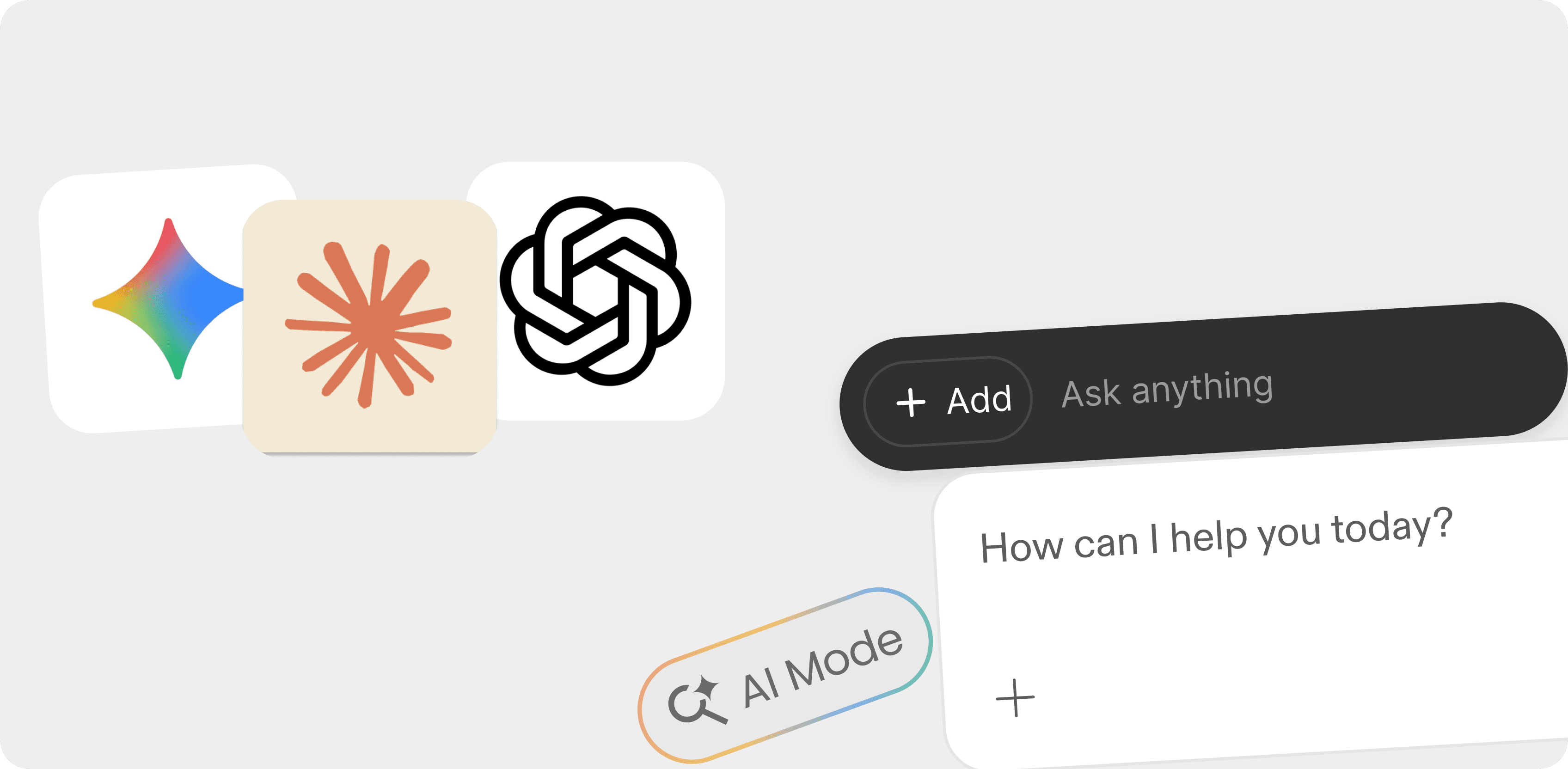
Current conversational AI design reinforces poor mental models, leading users to treat prompts as simple requests instead of clear requirements.
Defining Problem Space
Poor Mental Models, Ineffective Communication
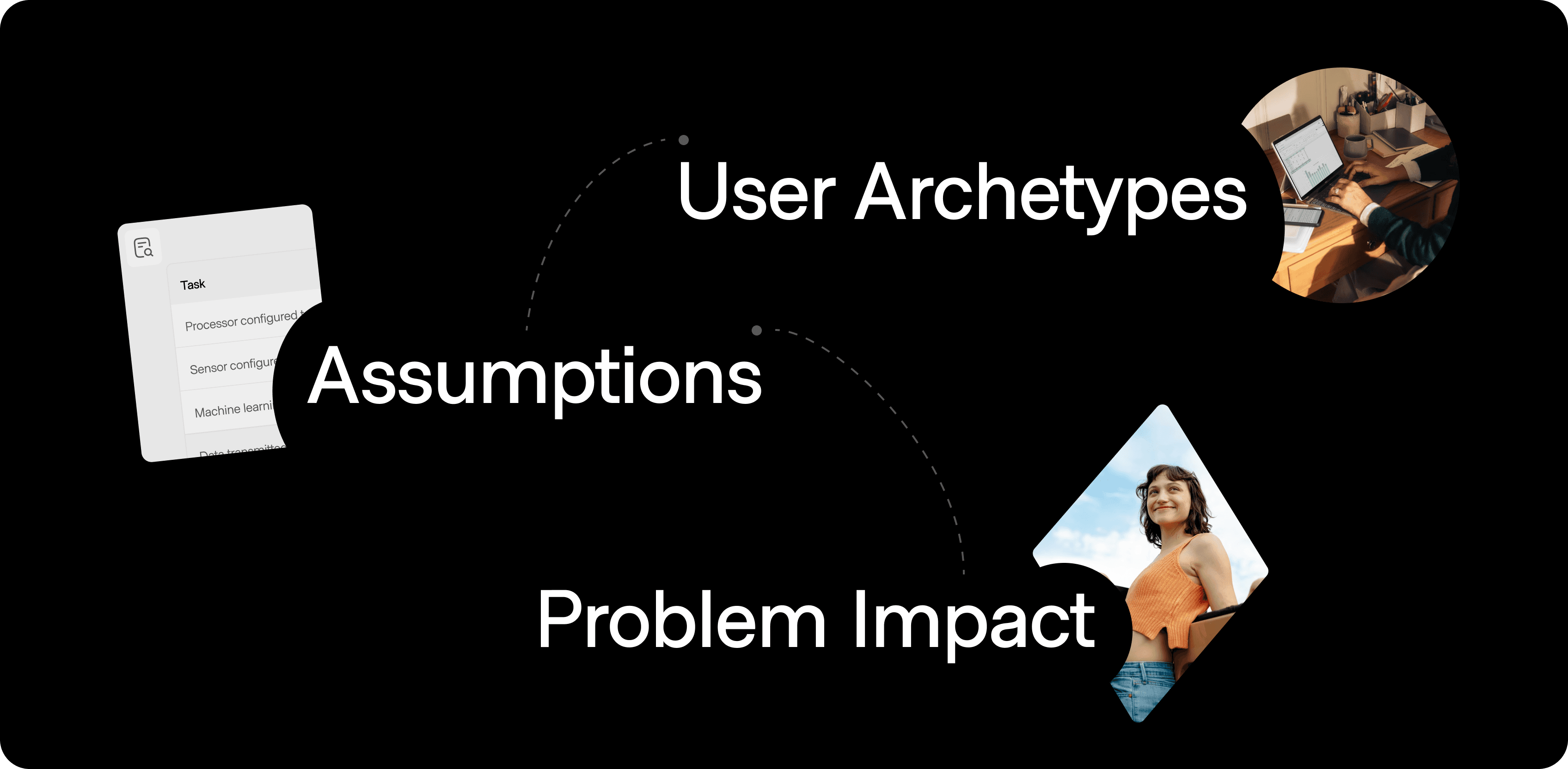
The definition of my problem centered around the mental model of treating AI like a search engine.
Users who aren't familiar with the underlying mechanics of a large-language model treat prompting as a request rather than a set of requirements and directions.
I assumed that using AI in this way not only results in generic outputs and an increasing number of iterations, but it also lowers the perception of the NJ AI Assistant as a helpful tool to a user's workflow.
Auditing the NJ AI Assistant also revealed how the current interface does little to move users away from this prompting vagueness, setting an expectation of simplicity to begin a new task.
The issue is not with the complexity of tasks themselves, but rather the ability for users to fully articulate their intent upfront.
The goal for my design solutions was to help users externalize their unique domain knowledge into specific instructions that informs the AI’s response.
About
Helping public servants write clearer, more complete prompts with an educational interface for the the NJ AI Assistant.
Duration
January through March, 2026
Role
Product, UX
Market
Internal, Government
Context
The AI tool built for government, by government.
The NJ AI Assistant re-launched in early March 2026, providing state employees with an updated model and extended policy-compliant features to use safely across their government work.
However, many users of the state-provided tool still feel underwhelmed by its capabilities and lack the skills to communicate with the Assistant efficiently.
Filling Knowledge Gaps
Misaligned Perception of NJ AI Assistant.
>35%
Agree commercial tools are better
To understand why users feel underwhelmed by the NJ AI Assistant, I had to fill my knowledge gaps on how the product was being used.
Using prior research conducted by the Platform team, I identified misalignment between the use-cases of the tool and user satisfaction for completing said tasks.
3
Main uses cases of NJ AI Assistant
Over 35% of users agree that commercial AI products like ChatGPT or Gemini perform better and are more useful to their specific tasks.
However, usage of the Assistant remain concentrated in three main areas: editing text, summarizing information, and brainstorming ideas.
To understand why users feel underwhelmed by the NJ AI Assistant, I had to fill my knowledge gaps on how the product was being used.
Using prior research conducted by the Platform team, I identified misalignment between the use-cases of the tool and user satisfaction for completing said tasks.
Over 35% of users agree that commercial AI products like ChatGPT or Gemini perform better and are more useful to their specific tasks.
However, usage of the Assistant remain concentrated in three main areas: editing text, summarizing information, and brainstorming ideas.
These are simple, repeatable tasks that are not particularly complicated for any LLM to complete. However, they heavily rely on existing domain and institutional context to be executed effectively.
Current conversational AI design reinforces poor mental models, leading users to treat prompts as simple requests instead of clear requirements.
Defining Problem Space
Poor Mental Models, Ineffective Communication
The definition of my problem centered around the mental model of treating AI like a search engine.
Users who aren't familiar with the underlying mechanics of a large-language model treat prompting as a request rather than a set of requirements and directions.
I assumed that using AI in this way not only results in generic outputs and an increasing number of iterations, but it also lowers the perception of the NJ AI Assistant as a helpful tool to a user's workflow.
Auditing the NJ AI Assistant also revealed how the current interface does little to move users away from this prompting vagueness, setting an expectation of simplicity to begin a new task.
The issue is not with the complexity of tasks themselves, but rather the ability for users to fully articulate their intent upfront.
The goal for my design solutions was to help users externalize their unique domain knowledge into specific instructions that informs the AI’s response.
Prototyped I created to validate the structure of prompting as a series of inputs using Figma Make.
Setting Design Goals
Providing scaffolding for more structured conversations at the beginning of a session helps users remember the pattern of framing a task, clarifying constraints, and guiding the output as a reusable framework for successful interactions with AI.
Providing scaffolding for more structured conversations at the beginning of a session helps users remember the pattern of framing a task, clarifying constraints, and guiding the output as a reusable framework for successful interactions with AI.
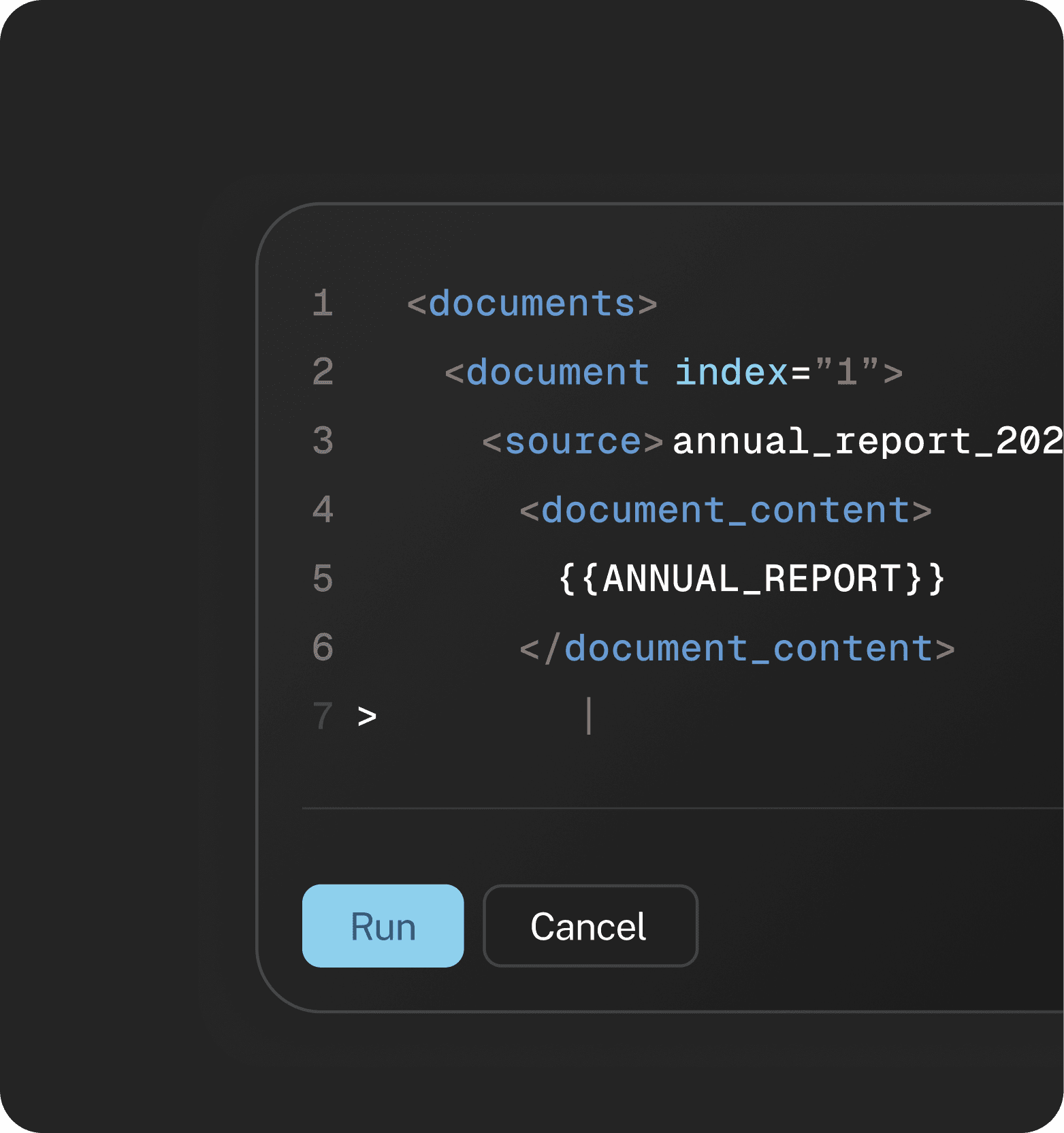
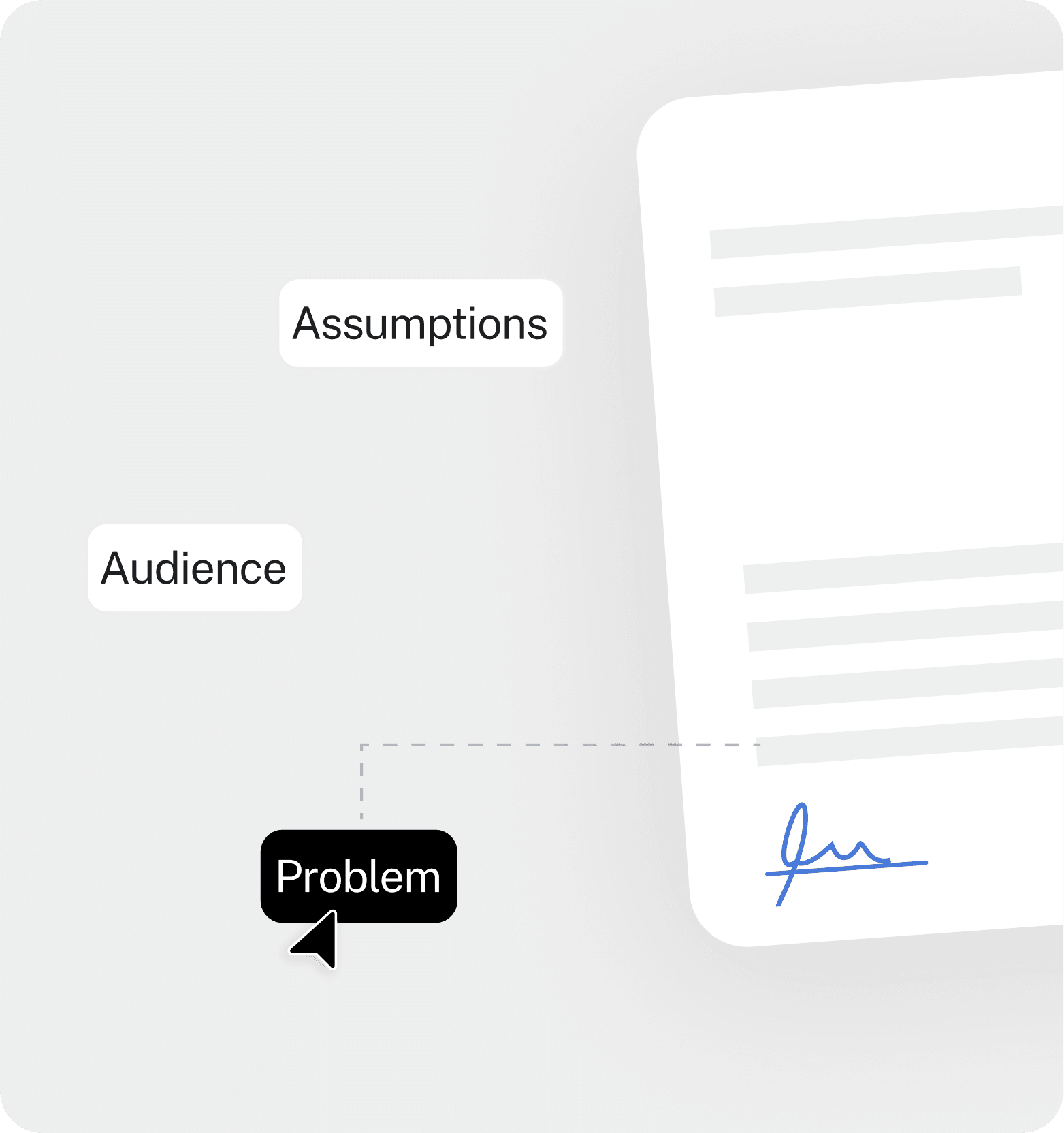
Not all task require the same amount of set up. I evaluated current user workflows to create a matrix of risks per task types to categorize specific uses-cases where scaffolding could benefit the user.
Not all task require the same amount of set up. I evaluated current user workflows to create a matrix of risks per task types to categorize specific uses-cases where scaffolding could benefit the user.
Another point of validation for our design was to understand whether a more structured input significantly decrease the number of iterations needed to reach a ‘good enough’ output.
Another point of validation for our design was to understand whether a more structured input significantly decrease the number of iterations needed to reach a ‘good enough’ output.
I wanted the design to help users understand what the AI is capable of doing well and how they can leverage its abilities to breakdown complex tasks into smaller, manageable components.
I wanted the design to help users understand what the AI is capable of doing well and how they can leverage its abilities to breakdown complex tasks into smaller, manageable components.
The guidance I provided for users also had to follow two key guidelines: avoid feeling forced and only being available when it is most relevant to the user.
The guidance I provided for users also had to follow two key guidelines: avoid feeling forced and only being available when it is most relevant to the user.
Solution Direction
The Prompt Builder
The Prompt Builder
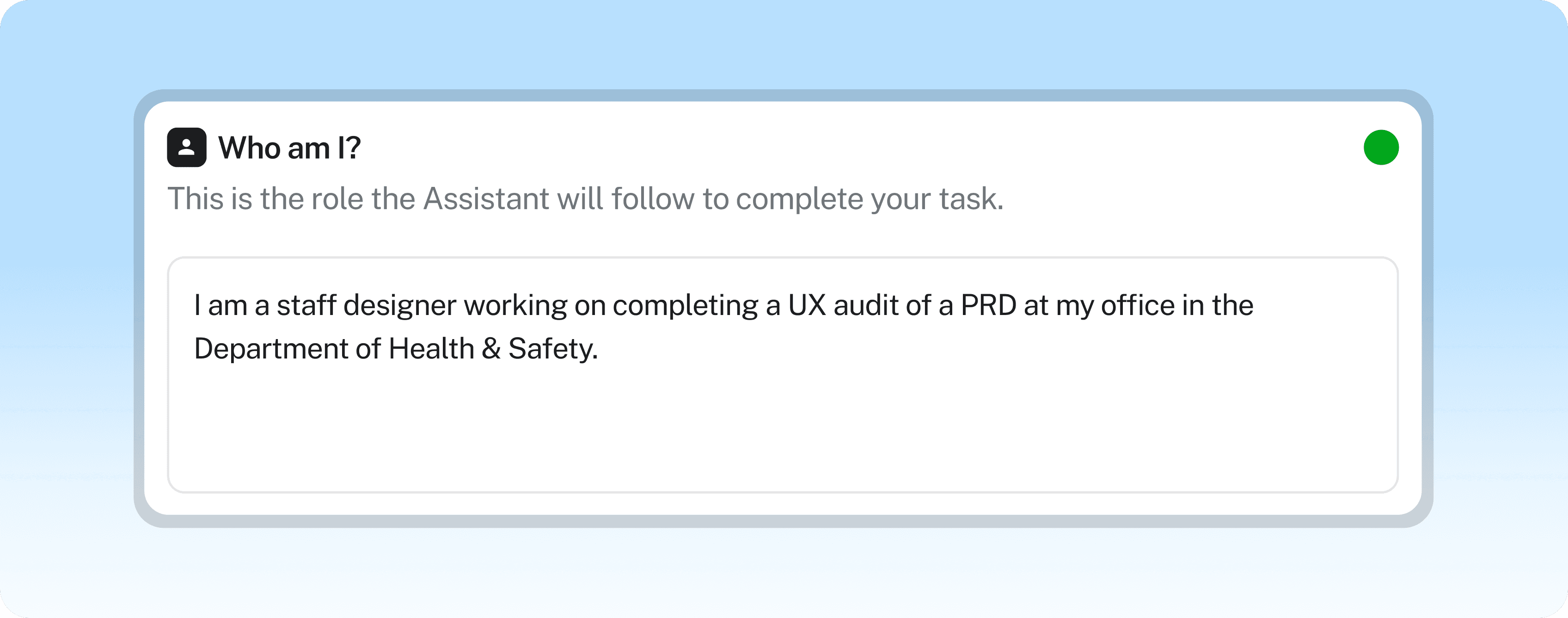
I analyzed existing AI patterns that focused on user input as a way to direct a system towards an action.
I analyzed existing AI patterns that focused on user input as a way to direct a system towards an action.
The Prompt Builder uses open-ended prompt inputs to be used in a natural language conversation. This allows the user to provide specific context for their task while providing the AI system a more complete starting point.
The Prompt Builder uses open-ended prompt inputs to be used in a natural language conversation. This allows the user to provide specific context for their task while providing the AI system a more complete starting point.
Based on reactions of the initial prototype I made, I was able to develop the design of this idea further to feel less congested and making the link between response and generated output more apparent.
Based on reactions of the initial prototype I made, I was able to develop the design of this idea further to feel less congested and making the link between response and generated output more apparent.
Overall, this solution would be a user-led approach to articulating intent that guides the user through the process of engineering a prompt that avoids ambiguity or generalizations.
Overall, this solution would be a user-led approach to articulating intent that guides the user through the process of engineering a prompt that avoids ambiguity or generalizations.
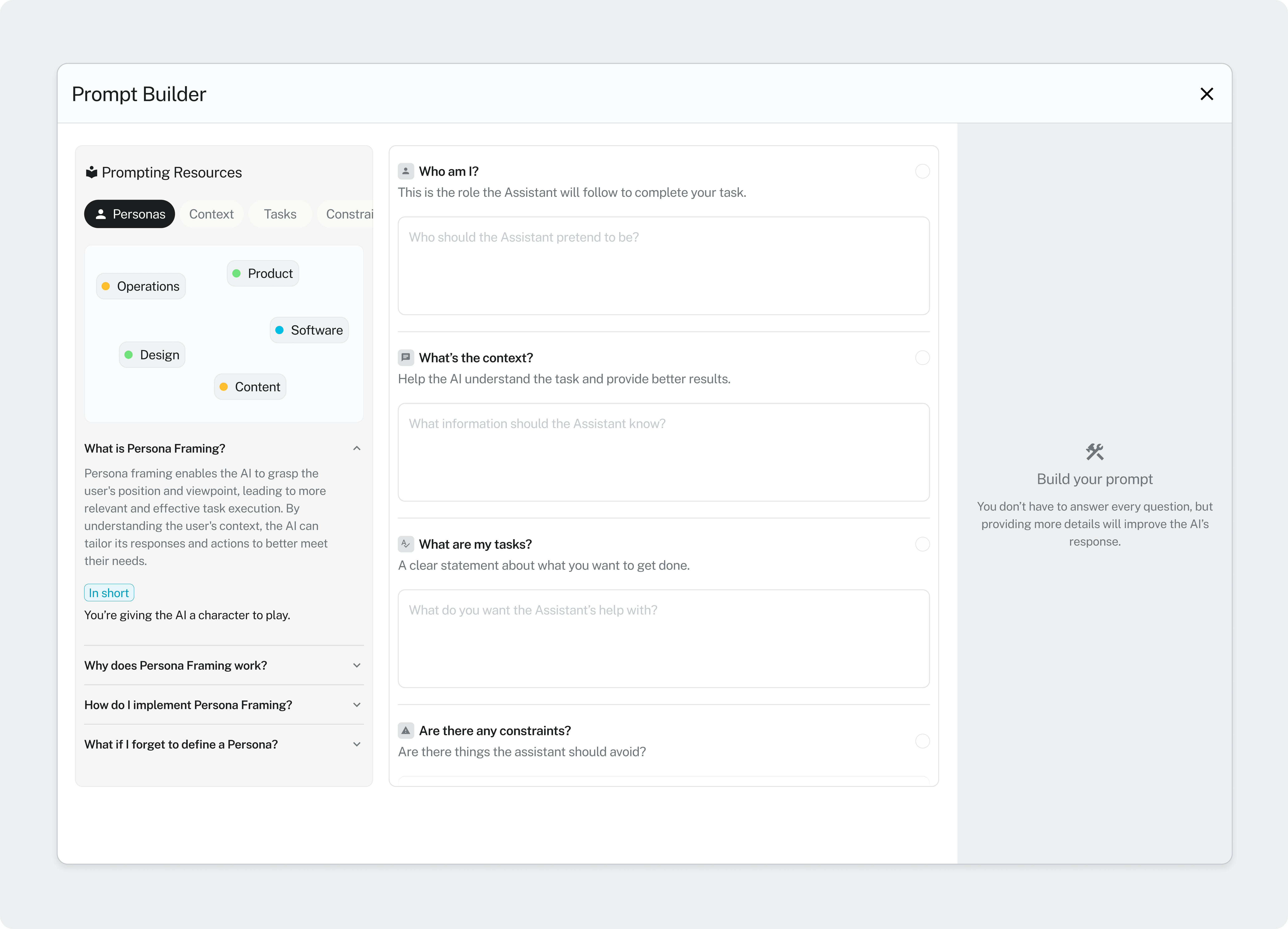
The Prompt Builder guides the user through key prompt components like Persona Framing and Constraints.
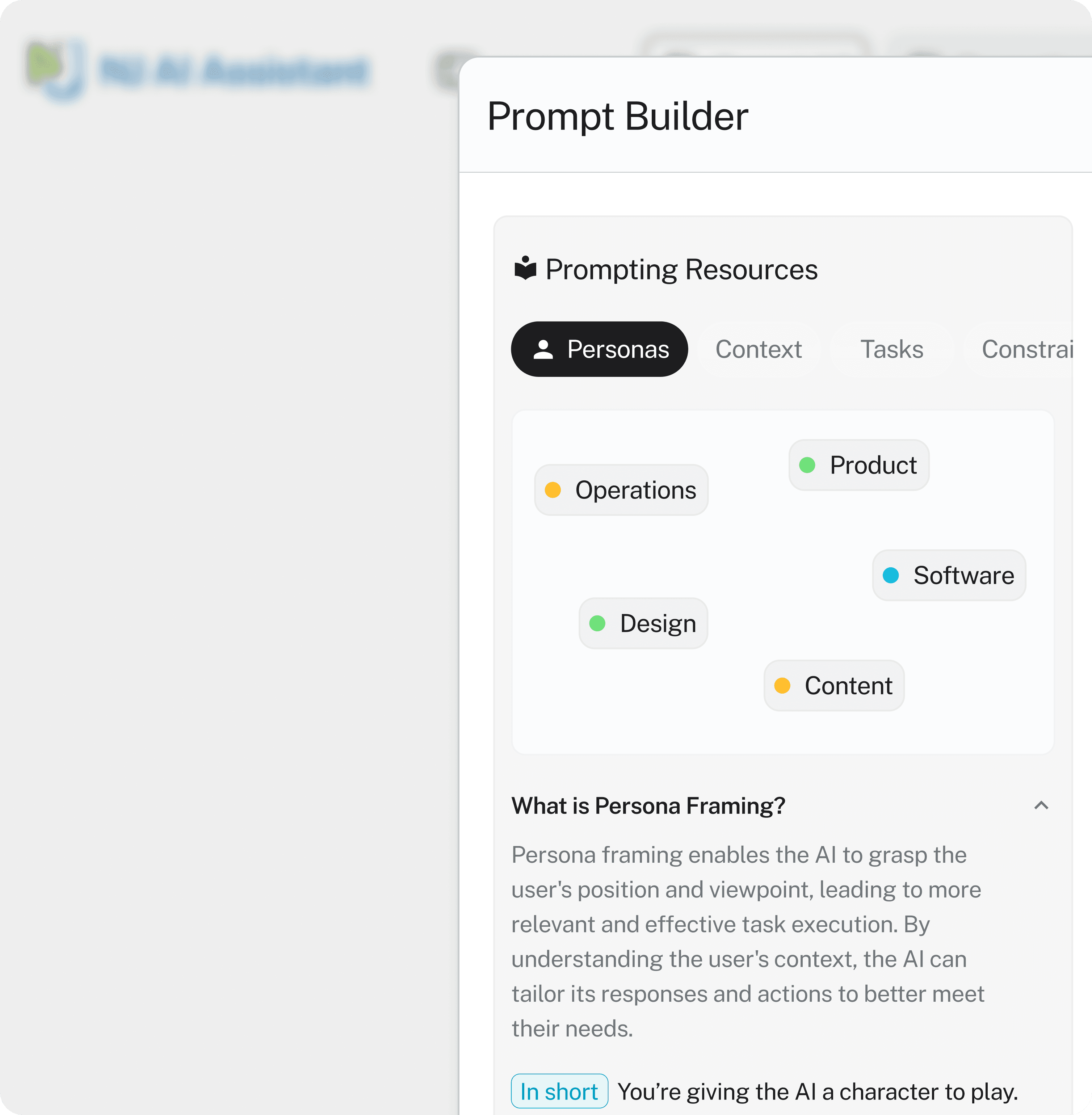
Resource panel integrated into prompt builder as another educational touchpoint.
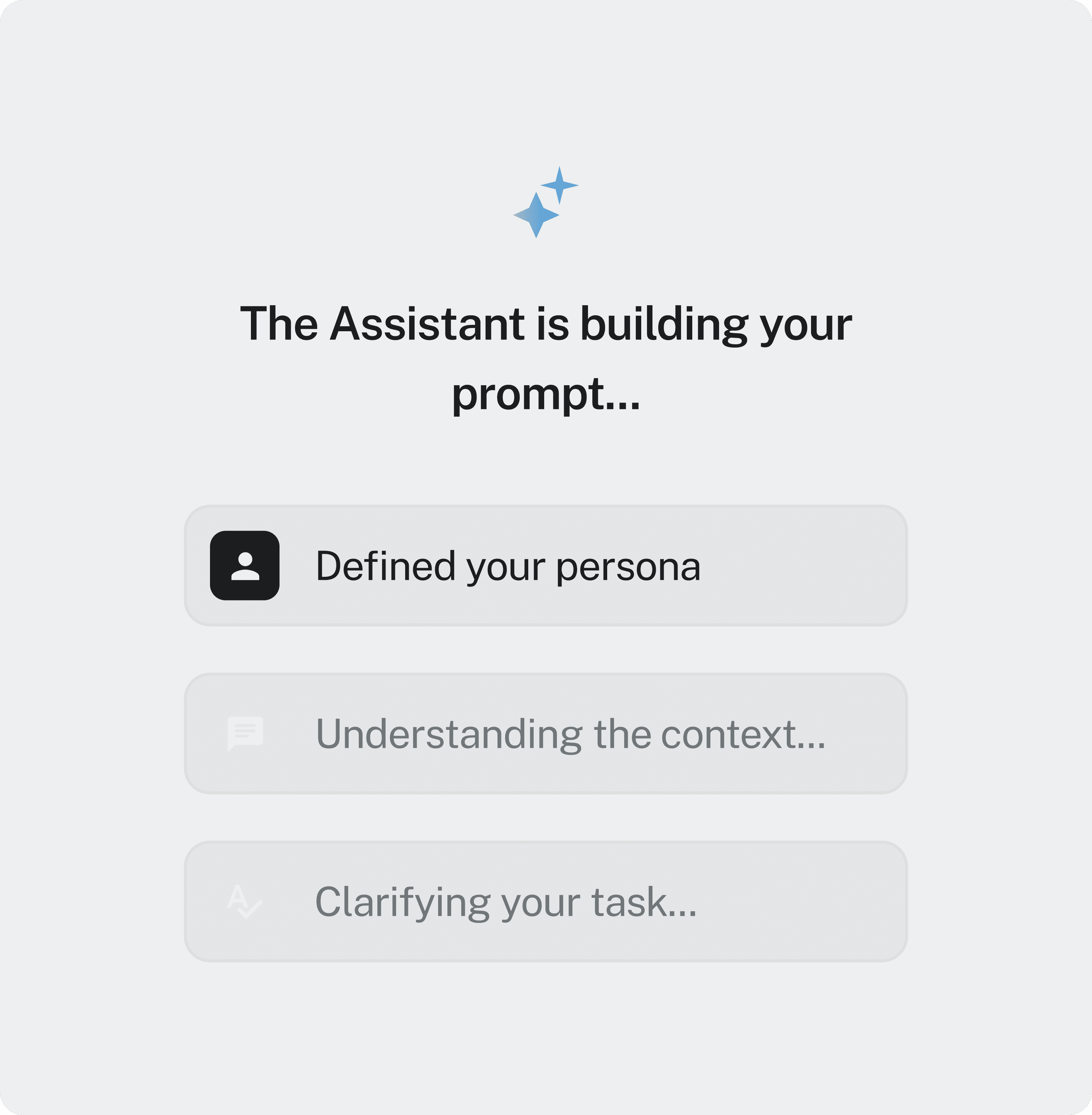
Leveraging AI to convert responses into a system-ready prompt.
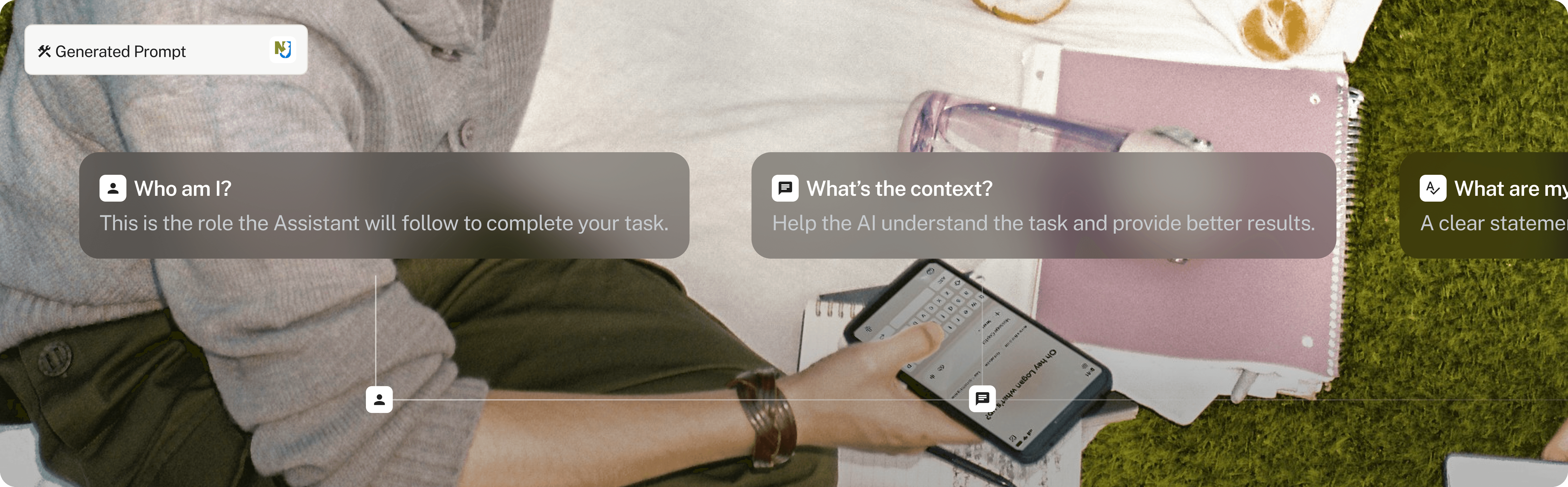
Prompting as a series of functions.

Alternative Prompt Builder direction as a sidebar within the conversation.
Special Thanks
Oreofe Aderibigbe
Katherine Nammacher
Platform, NJIA
Coding it Forward
The chat area still captures the intent, but it is the surrounding scaffolding that caries the weight. The goal is to help the system reduce wasted compute and dramatically increases the odds that the first output actually feels useful.